
REVOPS / WORKFLOW DESIGN
Different signals.
One clear
sales handoff.
A GE Appliances revenue-operations workflow connecting inbound enquiries, outbound prospecting, qualification and follow-through.
Explore the workflow ↓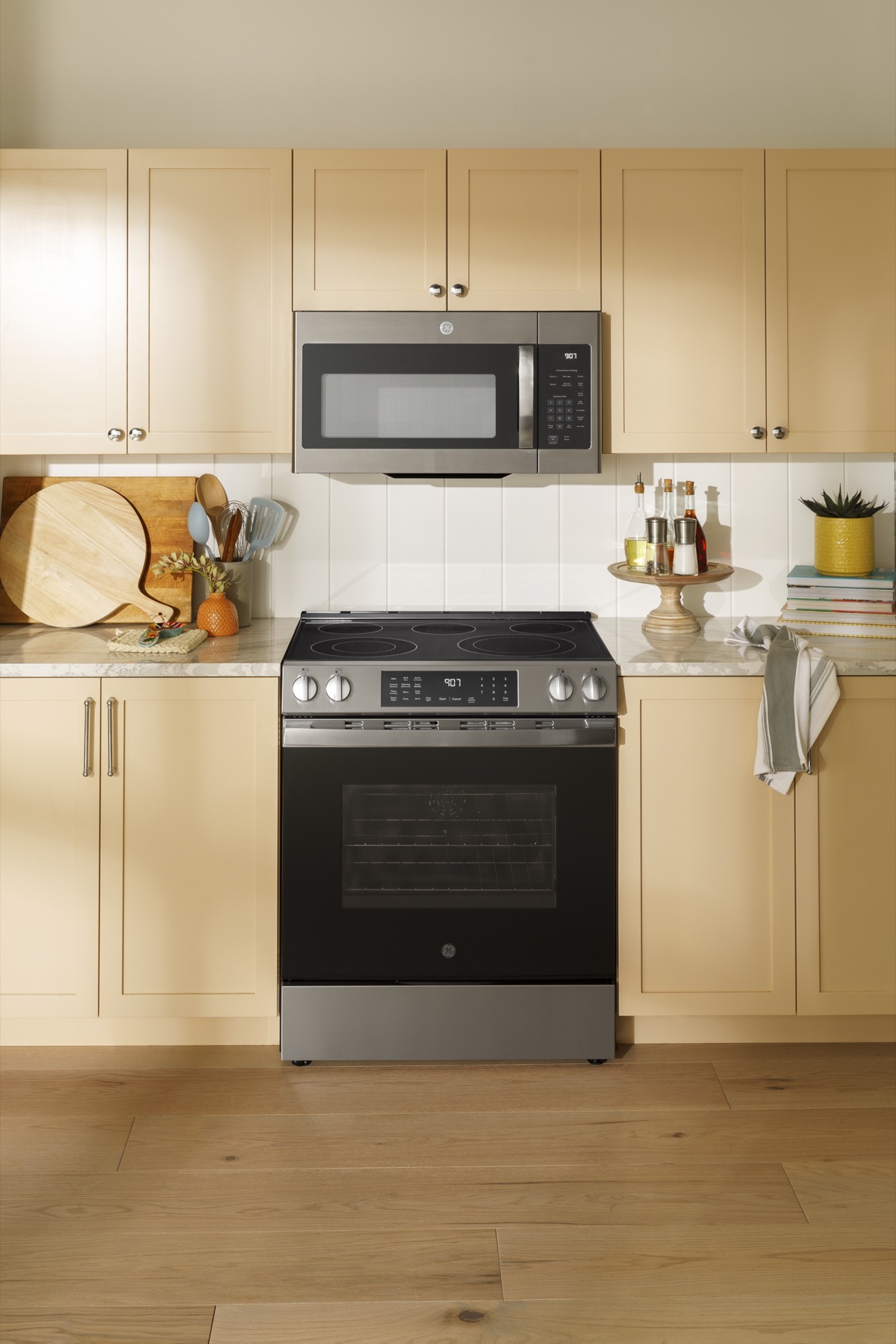
GE APPLIANCES
Behind the interest.
A connected next step.
A connected next step.
Product photography · GE Appliances
COMPANY
GE Appliances
FOCUS
Revenue operations
ARTIFACT
Lead lifecycle + routing design
CONNECTED FUNCTIONS
Marketing · RevOps · Sales
Case-study draft based on the supplied workflow. Delivery attribution, deployment status and measured outcomes are awaiting confirmation.
THE REVENUE WORKFLOW
See where every
signal goes.
Two entry points. Shared qualification. A clear next action.
Select any step to inspect the logic.
Select any step to inspect the logic.
MARKETING ACTIVITY
Paid · content · AEO · GEO
01 / OUTBOUND
Earn the attention.

Anonymous visit
No lead form submitted

Identify the visitor
Identity-resolution step

Company + role fit
Shared ICP criteria

Role match / relevant role found
Enrich the contact
Context before outreach
14-day outbound cadence
Earn attention across channels
02 / INBOUND
Respond to intent.
Lead form submitted
A hand-raised enquiry
Enrich the contact
Add qualification context
Company + role fit
Same ICP criteria
Qualified inbound enquiry
Inbound fast response
Booking link → personal follow-up
WHEN THE PROSPECT RESPONDS
Interest. Absence. Opt-out. Silence.
Explore the response rules ↓
INSIDE THE WORKFLOW
Anonymous site visit
No lead form has been submitted. The diagram assigns this signal to the outbound journey.
INSIDE THE WORKFLOW
Identity resolution
The visitor-identification step precedes the company and role check.
INSIDE THE WORKFLOW
Company + role qualification
A role match proceeds to enrichment. A company-only match triggers a search for relevant roles. No ICP match goes to evergreen.
INSIDE THE WORKFLOW
A direct role match
The identified contact fits the role criteria and proceeds to enrichment.
INSIDE THE WORKFLOW
The account fits. Find the role.
Identify relevant ICP roles within the matched account before enriching the contact.
INSIDE THE WORKFLOW
No ICP match
Route to the evergreen track rather than the outbound cadence.
INSIDE THE WORKFLOW
Enrichment before outreach
Add contact context before the 14-day outbound sequence begins.
INSIDE THE WORKFLOW
A hand-raised enquiry
A submitted lead form is the explicit intent signal for the inbound journey.
INSIDE THE WORKFLOW
Enrich the inbound contact
Add contact context before applying the same ICP criteria used on the outbound path.
INSIDE THE WORKFLOW
Consistent qualification
Use the shared company and role criteria to choose fast response or the evergreen track.
INSIDE THE WORKFLOW
Qualified inbound
An ICP fit proceeds to the fast-response sequence, starting with an auto-reply and booking link.
INSIDE THE WORKFLOW
Outside the ICP
A non-fit enters the evergreen track instead of fast-response sales follow-up.
THE FOLLOW-THROUGH, MAPPED
Different intent.
Different rhythm.
Channels and timing from the supplied workflow. These are planned cadence rules, not measured performance.
OUTBOUND / EARN ATTENTION
A 14-day conversation path.
14
DAY DESIGN
Sequence preview
- 01LinkedIn profile view
- 02LinkedIn connection request
- 03
 Engage with their content
 - 04
 Email 1
 - 05LinkedIn message
- 06Email 2
- 07LinkedIn message
- 08Email 3
- 09
 Phone call attempt
 - 10Close-out email
INBOUND / RESPOND TO INTEREST
Start in minutes. Follow through.
↗
FAST RESPONSE
Sequence preview
- Within minutesAuto-reply with booking link
- Same dayPersonal email
- Day 1Phone call attempt
- Day 3LinkedIn message
- Day 7Value email
- Day 12Close-out email
A reply at any point changes the path.
See the next move ↓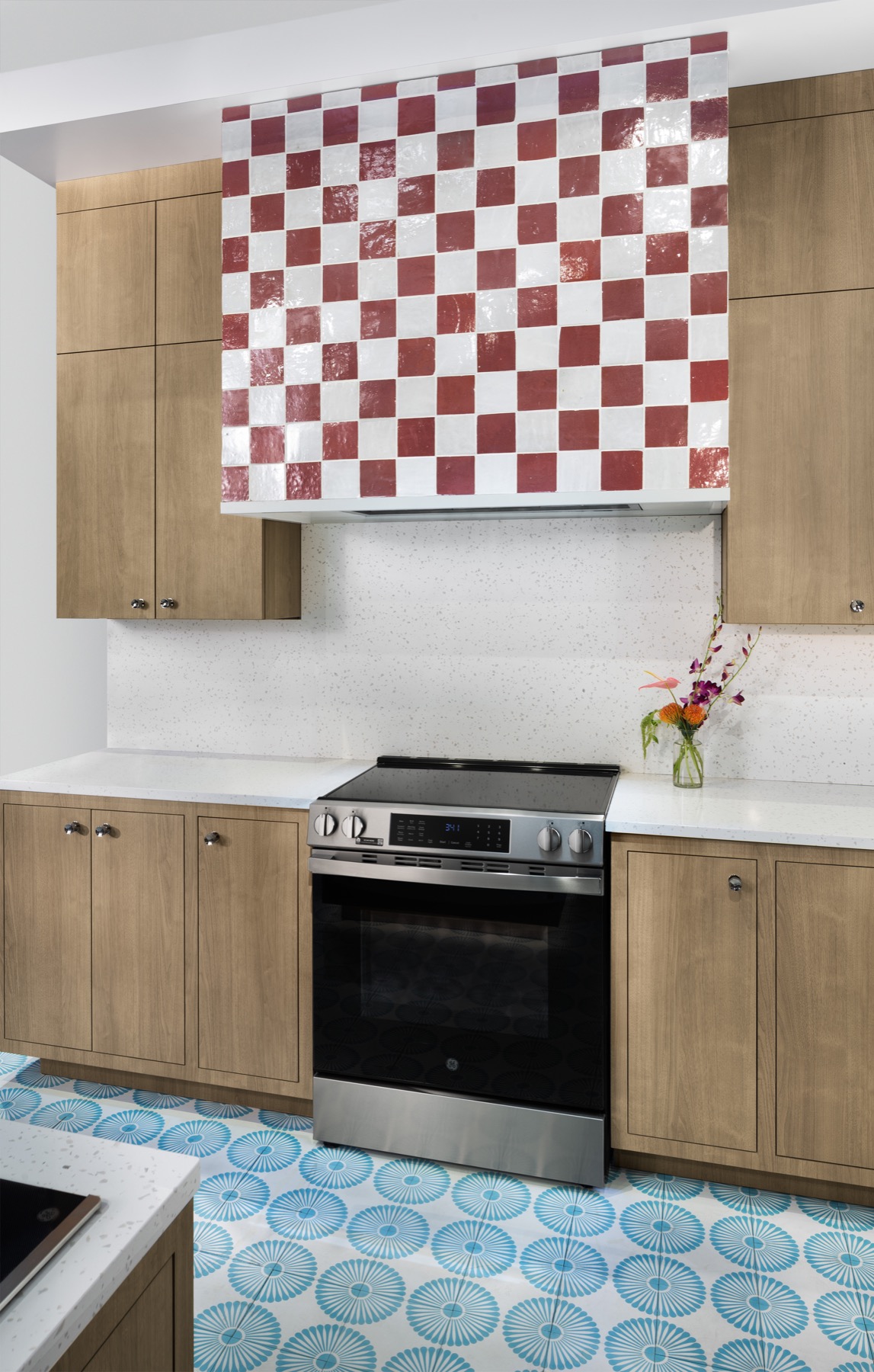
Product photography from GE Appliances Pressroom ↗
FROM INTEREST TO A NEXT STEP
The product creates interest.
The system carries it forward.
A visit and a hand-raised enquiry are different signals. The workflow gives each a distinct path, with shared qualification and a clear sales handoff.
01
Recognize the signal02
Find the right fit03
Give sales the next moveWHAT HAPPENS NEXT?
A response needs
a destination.
Explore the response rules. The system distinguishes interest, a pause, an opt-out and an exhausted cadence.
INTERESTED
Put the conversation in sales’ hands.
Provide a booking link to a sales representative, then move to an explicit sales-acceptance decision.
NEXT DESTINATION
Sales acceptance
Accept or reject within 48 hours, as specified in the design.
NOT INTERESTED
Give the contact a defined next track.
The supplied diagram routes a not-interested response to evergreen content, with re-scoring on a cycle.
NEXT DESTINATION
Evergreen track
Re-score on a cycle; a return visit can re-enter the funnel.
OUT OF OFFICE
Pause the sequence. Respect the return date.
The diagram separates absence from rejection. Pause the cadence and restart on the return date.
NEXT DESTINATION
Paused cadence
Restart when the contact returns, as documented in the workflow.
UNSUBSCRIBE
End the outreach.
The unsubscribe branch removes the contact from all lists. It does not lead into the evergreen loop.
NEXT DESTINATION
Remove from all lists
Keep the opt-out separate from non-response and nurture routing.
NO RESPONSE
Close the cadence with a clear destination.
Once the cadence is exhausted, the diagram routes the prospect to the evergreen track.
NEXT DESTINATION
Evergreen + re-scoring
Re-score on a cycle. A return visit can enter the funnel again.
THE SALES CHECKPOINT
Acceptance is a decision.
Not an assumption.
The design gives sales a 48-hour accept-or-reject window after an interested response.
ACCEPT
Meeting → deal cycle
The prospect moves into the next sales stage.
REJECT
Return to evergreen
Keep a defined destination when sales does not accept.
THE WORKING ARTIFACT
Inspect the logic.
See the connections.
The supplied diagram documents the two entry paths, qualification branches, cadences, response handling and the return loop.
Open the full-resolution workflow ↗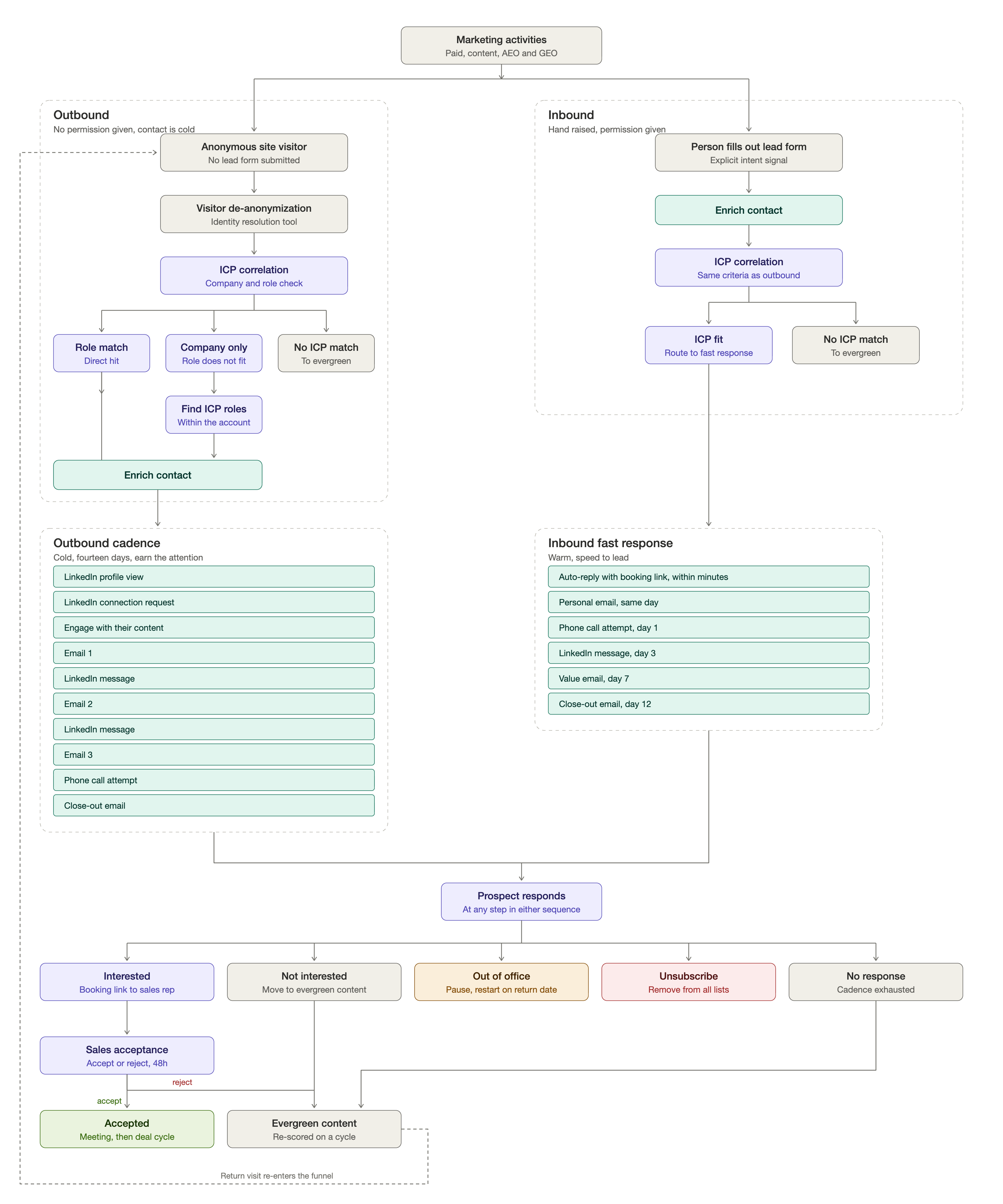
THE ORIGINAL WORKFLOW · OPEN FULL SIZE ↗
View the original workflow diagram
Source artifact supplied for this case study. The interactive walkthrough above presents the same routing logic in a readable format.
YOUR PRIORITY
A clearer plan.
The right people.
Work in motion. ↗
ONE PARTNER. MORE WAYS FORWARD.
LET’S TALK ABOUT YOUR NEXT MOVE
What needs
to moveforward?
Tell us the priority. We’ll help shape the leadership, team, or focused project around it.
- 01Start with your business context.
- 02Define the work and the right people.
- 03Agree the scope and investment.
A conversation first. A clear proposal before you commit.
Thank you! Your submission has been received!
Oops! Something went wrong while submitting the form.